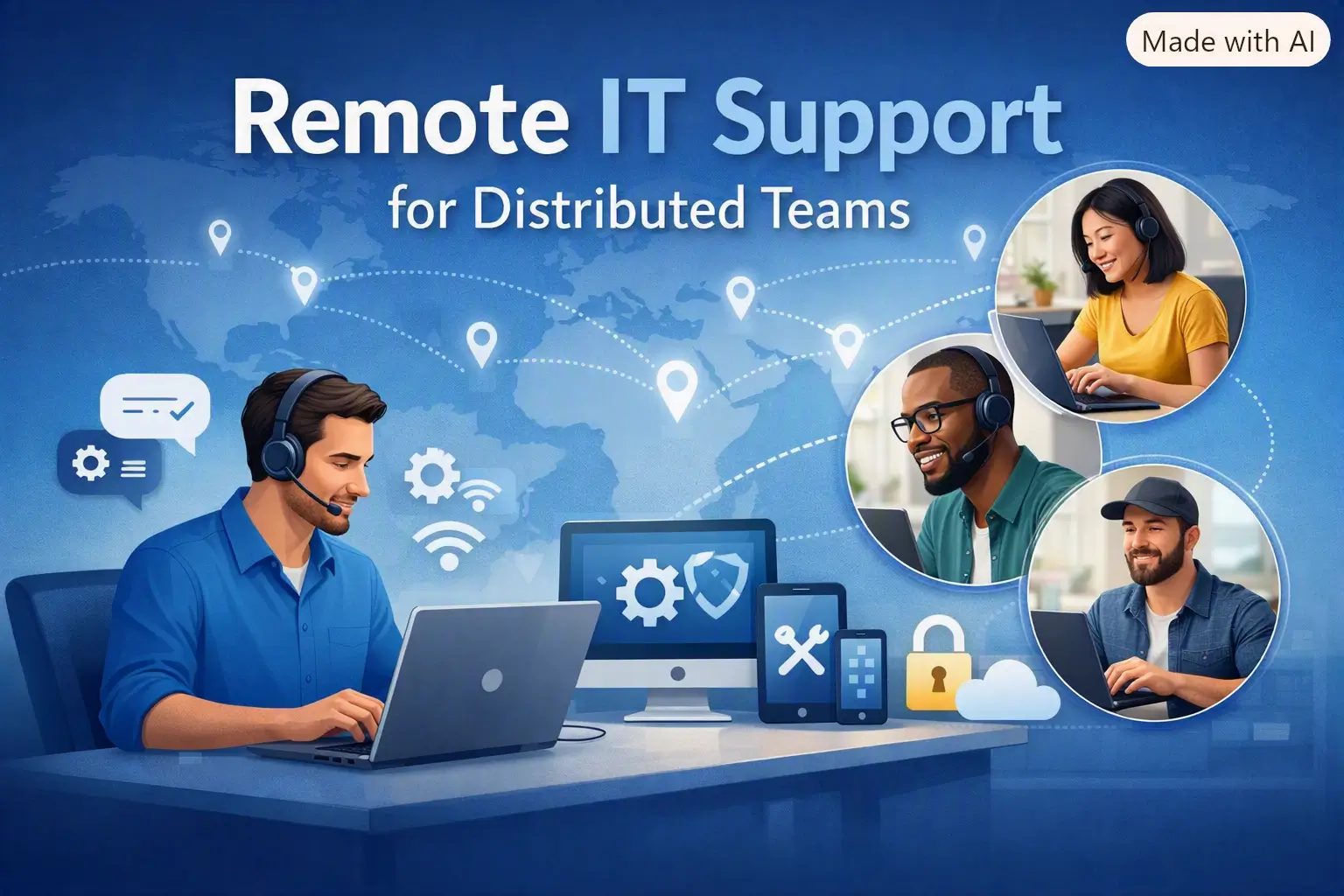
How Remote IT Support Systems Improve Distributed Team Operations
A technical problem becomes a management problem when an employee cannot work and the person able to fix it is hundreds of miles away. Distributed teams make that situation harder to resolve because employees and their devices are no longer concentrated in one building. A problem that might once have been solved by walking to another desk now needs a repeatable support process.
Managers therefore need to think beyond the support ticket itself. Response priorities, technician availability, maintenance windows and the cost of interrupted work all affect how well a distributed team operates.
Remote Support Becomes an Operational Issue as Teams Spread Out
A distributed workforce creates several support situations at once. One employee may need immediate help with an application during a client call. Another machine may need maintenance after working hours. A third employee may need somebody to demonstrate a process rather than repair a fault.
When managers need technicians to resolve problems across different locations without waiting for an on-site visit, IT remote support solutions let support teams control remote computers, assist users and return to authorised devices for unattended maintenance. This gives managers a support process that fits the way the workforce is organised.
This matters because the cost of a technical problem is not limited to the IT department. A salesperson who cannot open a customer system, an administrator blocked by a software error or a manager unable to access a working device may all lose productive time while the issue remains unresolved.
A structured remote support process gives managers clearer choices about which incidents require immediate attention, which can wait for a maintenance window and which tasks no longer require somebody to travel to the employee’s location.
Attended and Unattended Sessions Need Different Management Rules
Attended remote support works well when the employee is present and needs help with a current problem. The technician connects to the computer, sees what the user sees and can control the screen, mouse and keyboard once access is permitted. That setup suits troubleshooting, demonstrations and training.
Unattended access serves another management need. A registered device can be accessed later without requiring the employee to start a new session. This is useful for planned maintenance, configuration work or tasks that managers would rather schedule outside core working hours.
The distinction affects staffing and workload planning. If most incidents require employees to be present, technician coverage needs to reflect the hours when the team is active. If a significant share of work can be scheduled as unattended maintenance, some tasks can move away from periods when both IT staff and employees are busiest.
Remote management software should be assessed against the team’s support pattern rather than treated as a generic technology purchase. Ticket history can show which problems need live assistance, which devices receive repeat attention and where after-hours maintenance would remove pressure from the working day.
Cross-Platform Support Reduces Exceptions in the Workflow
Distributed teams rarely use identical hardware. Some departments may work almost entirely on Windows, while executives, designers or other employees use Macs. Support becomes harder to coordinate when a different operating system also means a different support process.
Remote IT support works more smoothly when technicians can follow a consistent connection process across the devices the organisation already uses. TSplus Remote Support supports Windows and macOS connections from Windows or macOS devices, while Android devices can also be used by support agents to control Windows or Mac computers.
For managers, the practical benefit is fewer device-specific exceptions to plan around. Technician training can focus on a consistent support workflow rather than separate tools for each supported platform.
Potential compatibility gaps should be checked before wider deployment. Keyboard behaviour, multi-monitor setups, file transfer and the devices technicians themselves use should be tested under normal working conditions rather than assumed from a specifications page.
Support Features Should Remove Work From the Process
Screen control is central to remote support, but many incidents require more than moving a mouse or typing on another computer. A technician may need system information, a file from the user, access to several monitors or another technician to join a difficult session.
Those details have management consequences. If the technician can obtain relevant device information during the session, there is less need to ask the employee to locate it manually. File transfer keeps another step inside the same workflow. Multi-agent sessions allow a second technician to join when an issue needs specialist input without forcing the user to start again.
Session recording can also have an operational role where the organisation has an approved reason and appropriate retention rules. Where recordings form part of workplace monitoring, managers should define their purpose and make the process clear to employees. A saved session may then support internal review, technician training or documentation of complex work.
The total number of features matters less than how they affect the support process. Managers should focus on functions that reduce repeated steps, limit unnecessary handoffs and match the incidents their teams handle most often.
Cost Control Starts With How Support Work Is Organised
Remote support has a financial dimension because technical incidents consume employee time as well as IT resources. An on-site visit adds travel and scheduling to the intervention. A remote session removes that physical journey, although the business still needs technician time, software and a workable support process.
Managers should look at support costs in operational terms. How many incidents require travel? How much technician time is spent arranging access before work starts? Which problems recur on the same devices? How much work can be moved into planned maintenance rather than handled during busy hours?
Licensing also needs to reflect the support model. Managers should estimate how many remote sessions technicians need to run at the same time, because simultaneous demand affects the capacity the team requires.
The objective is not to reduce support spending at any cost. Managers need enough capacity to respond when employees are blocked without paying for a model built around usage the business does not have.
Measure the Support Process Before Expanding It
Before expanding a remote support setup, managers need a clear picture of what the current process is costing in time and effort. Useful starting measures include recurring incidents, employee waiting time, cases that require another technician and the frequency of on-site assistance.
Those figures create a baseline before a new process is rolled out more widely. Managers can then see whether remote support is changing the workload in the intended direction instead of assuming that new software has automatically improved operations.
Access rules belong in the same review. Teams need to decide which devices can receive unattended maintenance, who is authorised to connect and how old access should be removed when roles or responsibilities change.
For distributed teams, the right remote support model needs to fit both the technical work and the way the organisation manages people, time and cost. Clear support priorities, maintenance windows and technician access rules make remote support easier to manage as part of everyday operations, rather than only when a device problem disrupts someone’s work.