
How to Use AI to Create Viral Video Ads and Launch Proven Campaigns Fast
Improve Video Ad Performance
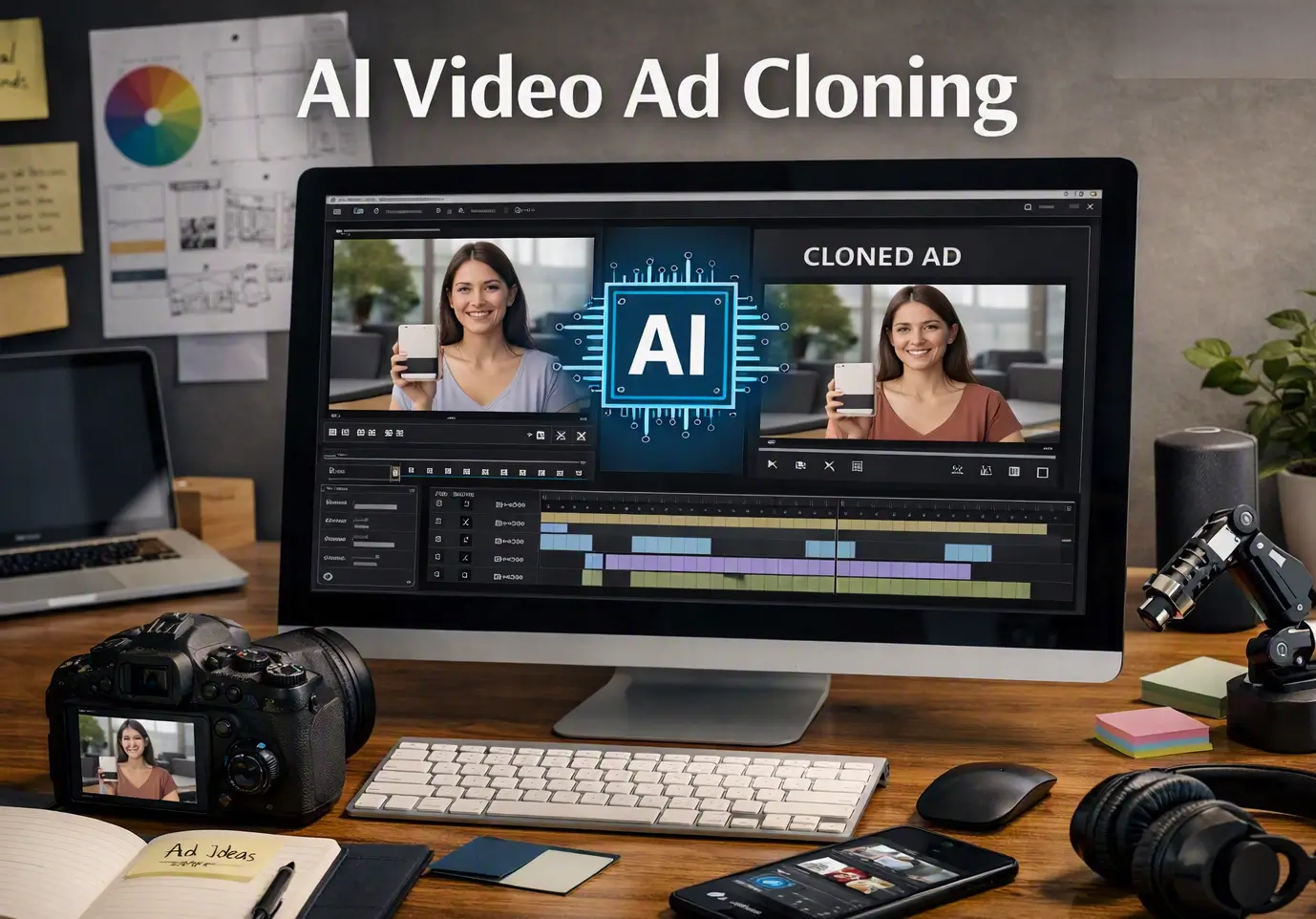
Watching a competitor’s ad rack up millions of views while yours gets few clicks is frustrating. However, you don’t need to guess what makes those ads work. You also don’t need a film crew to recreate them. The AI-enabled video ad cloner can study a proven advertisement and rebuild it around your product or service. This tool lets you Clone a Video Ad for your campaign, without the guesswork. As a result, your campaign keeps the hook and pacing. It also preserves the visual style that made the original ad convert.
This quick guide explains how ad cloning works.
It covers when to use it.
It shows how to Clone a Video Ad and create your first cloned campaign with AI-powered creative suites.
These tools benefit marketers and creators like Pollo AI.
Additionally, you may like this article about video editing tools.
What Does It Mean to Clone a Video Ad?
Copying a video ad frame by frame isn’t what cloning involves.
Instead, it means taking the elements that make an ad successful and applying that formula to your service or product.
You examine hooks, scene flow, camera angles, tone, and pacing, then carry over parts that click into your next campaign.
Think of it like using a recipe. However, the steps stay the same, but the ingredients change.
AI makes this possible because it can analyze a reference video and break down its pattern. Additionally, it can generate a new video that follows the same flow using your product/service images and details.
When You Should Use Clone a Video Ad
Additionally, ad cloning works best when you follow the recommended steps.
- You’ve spotted a competitor ad performing well and want to test the same style.
- You’re launching a new product and need creative fast.
- You’re expanding into a new marketplace and need ads tailored to that region’s style.
- You already have a winning ad and want to remake it for a different product line.
Additionally, if your product is highly unique or requires detailed demonstration footage, you might still want custom shoots. But for most e-commerce products, a cloned ad performs just as well (if not better) than a custom one.
How to Clone a Video Ad (example: Pollo AI)
Let’s look at Pollo AI, an AI-powered creative suite for video, image, avatar, and audio. In addition, Pollo AI features a Clone Video Ads tool built specifically for this use case. Here’s how to use it.
Step 1: Choose Your Reference
Firstly, you have three options:
- Upload a video(up to 20MB) of an ad you want to model after.
- Pick a template from Pollo’s Ad Library, which includes high-performing formats.
- Paste a product/service page link from Amazon, Shopify, TikTok Shop, or Mercado Libre if you want the AI to pull product specs automatically.
Choose an ad that matches the vibe you want.
However, a calm, aesthetic ad for a candle brand won’t translate well if you’re selling a power tool.
Step 2: Upload Your Product Images
Add up to six clear photos of your product or service.
Moreover, Clone a Video Ad can guide your photo selection.
The more angles, the better, because front, side, close-up detail shots, and lifestyle shots help the AI feature your item.
Additionally, Step 3: Add a Prompt for Direction
Additionally, you can guide the ad by adding notes like:
- “Focus on the waterproof feature”
- “Show the product being used outdoors”
- “Highlight the price and free shipping offer”
The AI reads these prompts along with your images and reference to shape the final video, Clone a Video Ad.
Step 4: Generate and Download
Click Create.
In a few minutes, you’ll have a finished video ad ready to download and post.
However, if the first version isn’t perfect, use Clone a Video Ad by tweaking the prompt or swapping the reference.
What Else Pollo AI Can Do
Beyond cloning video ads, Pollo AI covers a wide range of content creation needs. Additionally, it offers text-to-video and image-to-video generation, letting you turn ideas or single images into short videos. Furthermore, it also includes an Instagram video maker that creates ready-to-post videos without editing.
Pollo offers AI tools for sellers needing product photography.
These tools place your product in scenes like marble counters, a lifestyle shot, or a seasonal backdrop, without a photoshoot.
Additionally, Pollo provides avatar tools to create spokesperson-style videos.
It also offers lip-sync features for adding voiceovers.
This makes Pollo useful not just for ad cloning. Additionally, it covers the stack of e-commerce content, including photos, listing images, social posts, and video ads from one platform.
Tips for Getting Better Results with Clone a Video Ad
A few things to keep in mind when you Clone a Video Ad.
- Match the format to the platform. A TikTok-style ad won’t work on Amazon product pages, and vice versa. Pollo AI adjusts based on the marketplace, but choose your reference accordingly.
- Use recent viral ads. Ad styles age fast. What worked six months ago may already feel dated.
- Test three to five variations. Don’t judge cloning based on one output. Generate a batch and see which one hits.
- Write specific prompts. “Make it energetic” is vague. “Fast cuts, upbeat music, focus on the color options” gives the AI something to work with.
- Keep your product images clean. Blurry or cluttered photos will show up in the final ad.
Cloning viral video ads with AI takes the guesswork out of creative production.
Additionally, instead of hoping your next ad performs, you’re building on formats that already work.
With Pollo AI, the process is straightforward.
Pick a reference, upload your product, and let the tool do the heavy lifting.
Try a few variations, watch which ones convert, and scale from there.
Other AI Ad Cloning Tools
While Pollo AI is a leading option, several other platforms also offer AI‑driven ad creation. Additionally, those are worth a try as well.
- Synthesia: known for AI avatars and voiceovers, useful for spokesperson‑style ads.
- Runway: focuses on generative video editing and creative effects.
- Pictory: turns scripts or blog posts into short video ads automatically.
- Lumen5: repurposes text content into social‑friendly video formats.
If you want to know more about AI and how to use it in your daily tasks, read this article about AI meeting assistants.
Additionally, it explains practical uses.